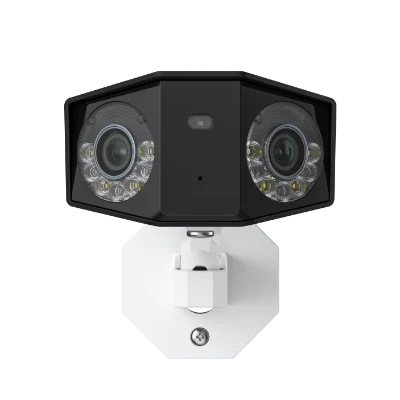
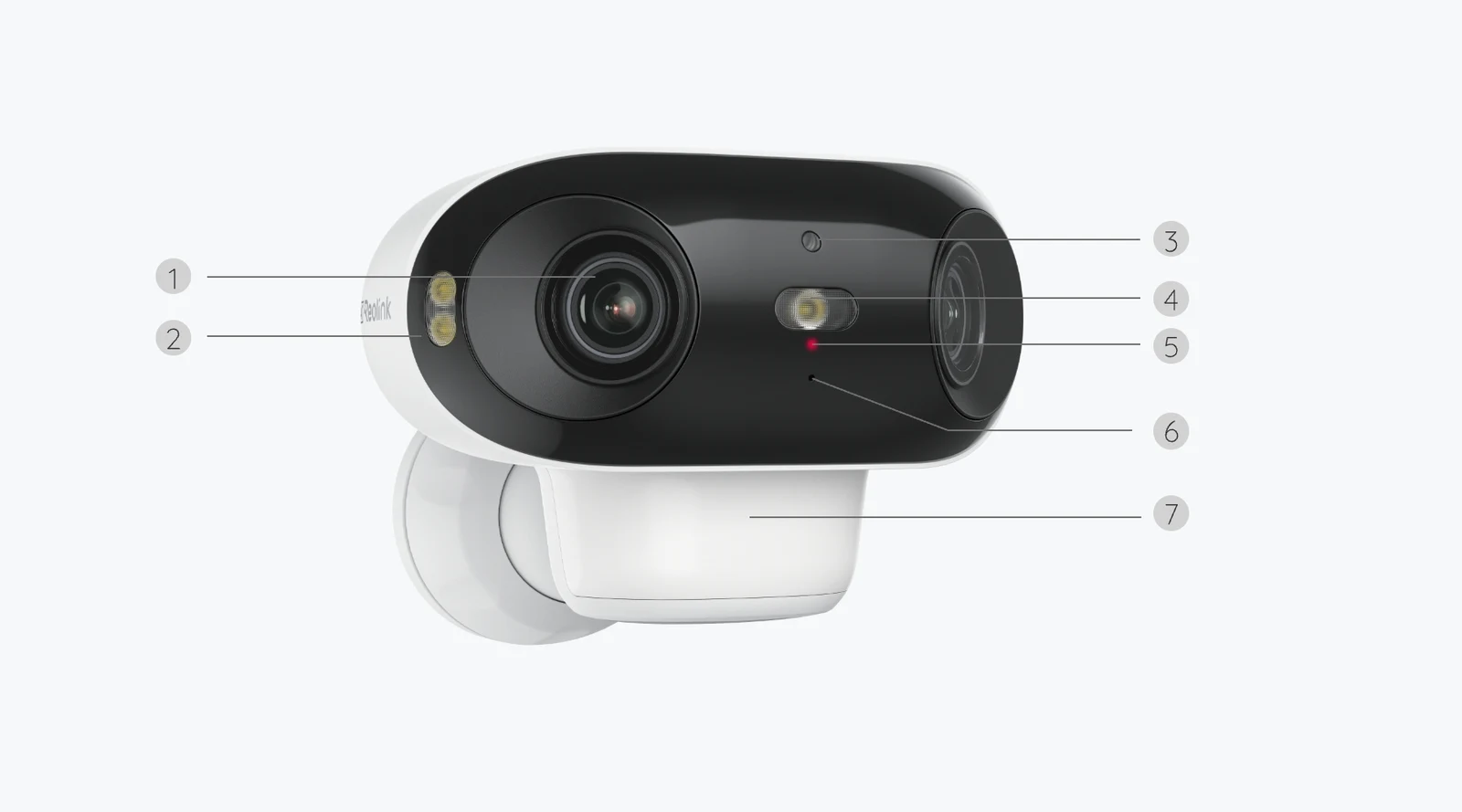
Choose the Duo 3 PoE direction when continuous recording and a planned cable route matter most. Investigate the Argus 4 Pro when cable-free camera placement matters more and event-based recording fits the job.
This comparison uses manufacturer specifications and support guidance. We have not performed a side-by-side image-quality or detection test.| Buying consideration | Duo 3 PoE | Argus 4 Pro |
|---|---|---|
| Published video resolution | 7680 x 2160; marketed as 16 MP | 5120 x 1440; marketed as 4K / 8 MP |
| Horizontal field of view | 180 degrees | 180 degrees |
| Connection | Ethernet; PoE power supported | Dual-band Wi-Fi; rechargeable battery |
| Recording approach | Continuous, scheduled or motion-triggered | Motion-event recording; not a continuous-recording model |
| Local storage | microSD; compatible NVR or FTP options | microSD; verify exact Home Hub/NVR compatibility |
| Night-vision approach | Infrared and spotlight-assisted colour modes | ColorX colour night-vision design |
| Installation question | Where will the powered cable run? | Where will it get Wi-Fi and charging access? |
Start with what you need the recording to answer
Imagine two very different requests. One homeowner wants to look back at an entire afternoon around a driveway, including quiet intervals when nobody appeared to move. Another wants an alert and a clip when someone approaches a garden gate, without installing a cable to that gate. Both requests sound like home security. They lead to different equipment decisions.
The Duo 3 PoE supports continuous, scheduled and motion-triggered recording according to Reolink. The Argus 4 Pro should be approached as a motion-event camera, not as a substitute for an always-recording PoE installation. Reolink’s current support list identifies other battery-camera families for continuous recording, not the Argus 4 Pro.
This is why phrases such as remote access or all-day live view should not settle the comparison. Being able to open a live stream is different from storing a complete timeline. Write down which of those jobs you actually need before considering the megapixel count.
Duo 3 PoE: a camera purchase becomes a cable-routing plan
A powered Ethernet installation can be straightforward if the house already has an appropriate route from network equipment to the camera position. It can be a larger project if the cable must cross finished rooms, penetrate exterior walls or reach an outbuilding. Look at that route before treating PoE as a simple box to tick.
A standard Ethernet socket is not automatically a PoE power source. Reolink’s guidance calls for compatible active PoE equipment, such as a suitable switch, injector or supported recorder. Check the camera’s requirements and the equipment’s total power budget rather than assuming any spare network port will work.
For someone planning several wired cameras, the cable work may be worthwhile as part of a larger recording setup. For a single temporary mounting position, it may be disproportionate. That is an installation judgement, not a claim that one connection type delivers better image quality in every situation.
Argus 4 Pro: no Ethernet cable does not mean no planning
The Argus 4 Pro connects over Wi-Fi and uses a rechargeable battery. That removes the need to route Ethernet to the camera itself, but it creates two other checks: whether the intended position has a usable wireless connection and whether the charging arrangement is practical.
Check the position with the network you will actually use. A location that looks ideal in a product photograph may be separated from your router by walls, metal surfaces or distance. Do not infer connection quality from a phone showing a signal elsewhere in the house; the final mounting location is the one that matters.
A compatible solar panel can help support the charging routine, but placement still matters. Camera framing and panel exposure are different requirements. A sheltered camera location may not be the best place for a panel, and changing weather does not deliver a fixed charging result. Confirm the exact panel and package rather than assuming every camera listing includes solar equipment.
A wider view still has a geometry problem to solve
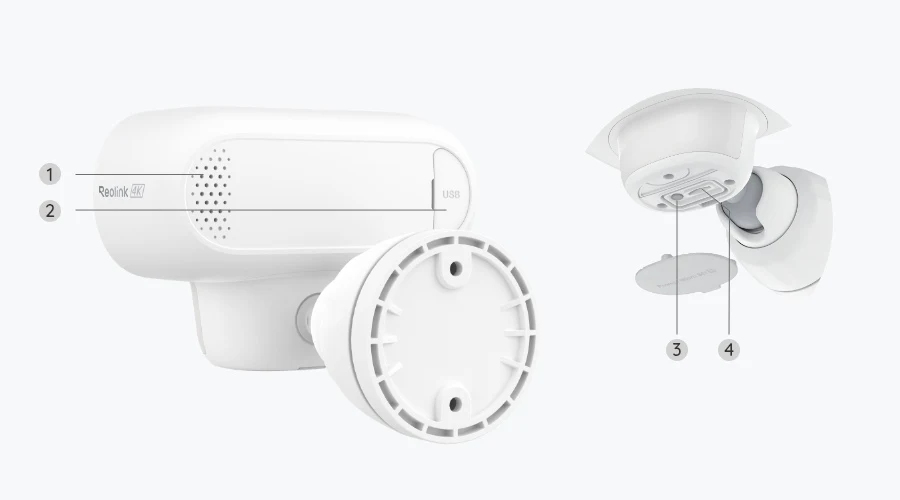
Both models specify a 180-degree horizontal view. That can suit a broad driveway, courtyard or garden boundary, but it cannot see through a wall, around a corner or behind a parked vehicle. A wide view is coverage of a visible scene, not coverage of every place within that scene.
The published resolutions are also different: 7680 x 2160 for the Duo 3 PoE and 5120 x 1440 for the Argus 4 Pro. Those are panoramic dimensions, so the marketing labels should not be treated as a direct description of how a conventional television-shaped image will look. Nor do the numbers prove recognition at a particular distance.
Before ordering, identify the specific detail you want to see and where it will appear in the frame. A front door close to the camera and a face at the far side of a driveway are not the same task. We have not measured either model’s identification performance, so there is no invented plate-reading distance or blanket claim that one camera captures every useful detail.
Night-time decisions begin with the scene, not a colour slogan
Reolink describes infrared and spotlight-assisted colour options for the Duo 3 PoE, and a ColorX design for the Argus 4 Pro. These are different approaches to a difficult scene. The practical questions are whether there is ambient light, whether you want a visible light to activate and where moving subjects will appear.
A manufacturer’s night-vision illustration is not a substitute for footage from your mounting position. Reflections from a nearby wall, motion, distance and lighting can affect what is useful in the image. Consider how the camera will face your property rather than relying on a brightly lit promotional example.
We would need matched scenes, exposure conditions and repeatable motion to name an image-quality winner. This article does not have that evidence. Its recommendation is about which operating arrangement fits your needs, not a laboratory ranking of the two cameras.
Storage is a workflow, not just a memory-card capacity
Think about how you will find and retain footage. Continuous recording asks you to plan a timeline and enough storage for the retention period you want. Event recording asks you to consider which events are detected, how alerts are configured and whether the resulting clips answer the original question.
The Duo 3 PoE has manufacturer-listed local options including a microSD card, a compatible Reolink NVR and FTP. For the Argus 4 Pro, start with its microSD arrangement and verify any proposed Home Hub or recorder against the current compatibility guidance. A device sharing the Reolink name does not make every feature available in every combination.
Storage size alone does not establish a fixed number of recording days. Resolution, bitrate, recording mode and activity affect how quickly space is used. Also consider who should have access to the recordings and whether the framing can be adjusted to avoid unnecessary views beyond your own property.
Which direction belongs on your shortlist?
For a permanent driveway installation with a feasible cable route and a requirement to review uninterrupted footage, start with the Duo 3 PoE. Price the complete setup, including compatible power equipment and storage, before comparing the camera-only total with a battery option.
For a gate, detached area or mounting position where Ethernet would be a major obstacle, the Argus 4 Pro is a more relevant starting point if event clips meet the brief. Check wireless coverage, charging access and any solar-panel requirements before deciding that wire-free is also effortless.
Neither direction guarantees security or a perfectly captured event. The better purchase is the one whose installation, recording approach and maintenance routine fit your property. Resolve those three questions first; the headline resolution is the next conversation, not the first.