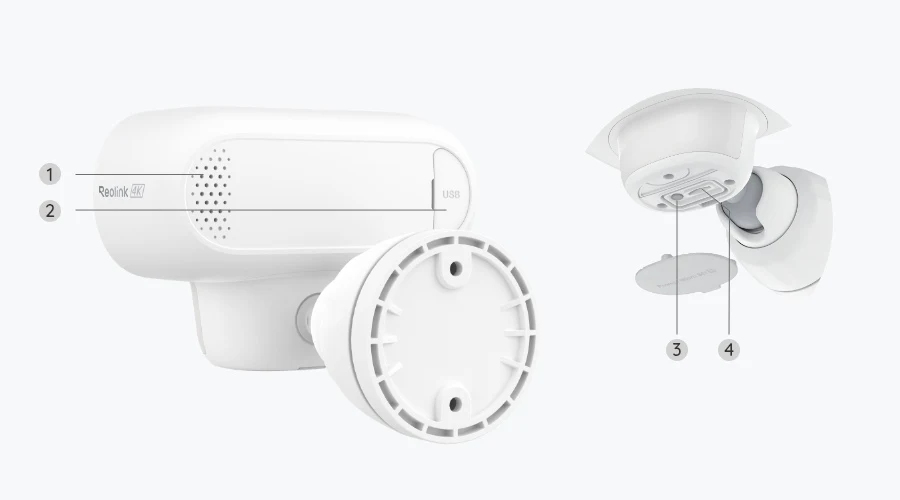
Consider the Argus 4 Pro for supported event-based monitoring where Wi-Fi and charging are workable. It is not a continuous-recording replacement for a wired camera.
Manufacturer information informs the product details; the buying analysis is our own. This is not a hands-on test.The details at a glance
- Published resolution
- 5120 x 1440; marketed as 4K / 8 MP
- Horizontal field of view
- 180 degrees
- Power and data
- Rechargeable battery; dual-band Wi-Fi
Begin at the gate, not at the router
A garden gate can be an attractive location for a wireless camera because reaching it with Ethernet may be difficult. Before choosing the device, take your phone to the proposed position and investigate the network environment. A phone check is not a full camera test, but it can identify an obviously poor starting point.
Walls, distance and the mounting position can affect connectivity. Do not judge outdoor performance from a camera placed next to the router indoors. Once installed, verify live access, recorded-event playback and notification delivery at the actual position. These are separate parts of the experience and should all work acceptably before you rely on the setup.
A wider view can include a lot of irrelevant movement. Think about vegetation, road traffic and where visitors approach. Where the model supports detection zones and privacy controls, use them thoughtfully. A suitable scene is more helpful than allowing constant triggering and then assuming the battery must be defective when it needs frequent attention.
Event recording is a different promise
The Argus 4 Pro is a battery-powered event-recording model, not a camera for storing an uninterrupted all-day timeline. That distinction should be decided before purchase. A short clip answering “who approached the gate?” is different from reviewing everything that happened during a period when no trigger was registered.
A remote live stream is not continuous stored footage. Nor does attaching a compatible solar panel automatically give a battery camera every recording feature of a wired model. Power supply and recording support are related but separate design questions. If an unbroken timeline is essential, choose equipment explicitly supporting it rather than trying to reinterpret a feature label.
Check what the selected settings record around a detected event, and test ordinary approaches from different directions. Do not infer a guaranteed detection distance or response time from a demonstration. Your target can move differently, lighting changes and a mounting angle can alter what is visible. A trial with known events is a practical way to spot gaps.
Solar is a charging arrangement, not a certainty
A compatible panel can reduce manual charging when its installation and available sunlight are suitable. It also needs a sensible route, secure mounting and the correct connector. A panel placed under an overhang for tidiness may not receive useful light. Consider seasonal conditions and check the actual charging behaviour rather than treating a sunny launch photo as a forecast.
Event frequency and live-view habits affect power use. If you frequently open the stream for long periods, your use pattern differs from a quiet gate with occasional clips. Keep an accessible charging route even when planning solar support. Avoid mounting a battery camera so high that routine service requires unsafe improvisation.
Read the charging instructions for the exact model and accessories. Do not assume an unrelated USB charger or panel is suitable because a connector appears to fit. Keep outdoor connections protected as directed. The attractive part of a cable-free camera is easier placement; it should not come at the expense of a maintainable power arrangement.
A broad view needs a responsible frame
A panoramic camera can capture areas beside your property as well as within it. Adjust positioning and supported privacy masks to keep the view proportionate to your purpose. Rules vary by jurisdiction and circumstance. If the camera includes a shared area, obtain appropriate local guidance before assuming that ownership of the device settles the privacy question.
Decide how clips will be stored and who can view them. Check the current supported storage options and compatible hub models, then verify export. Secure your accounts with the available protections and limit sharing to people who need access. Easy viewing should not become casual distribution of footage from your home.
Choose the Argus 4 Pro when placement flexibility and event-focused monitoring answer the brief. Choose another arrangement when you need continuous history or cannot maintain Wi-Fi and charging at the position. That is a useful trade-off, not a verdict that one camera type is universally better than another.